How to Choose the Right Web Hosting Provider: Complete 2025 Guide
Discover how to select the perfect web hosting solution for your website. Compare providers, understand different server types.
Hasan Wazid

Building a website starts with one crucial decision: where will it live online? Your digital presence depends on the foundation you choose, much like a physical store relies on its location and infrastructure. This compr...
Too long? Ask AI to summarize
Get a quick summary of this article using your favorite AI assistant
Introduction
Building a website starts with one crucial decision: where will it live online? Your digital presence depends on the foundation you choose, much like a physical store relies on its location and infrastructure. This comprehensive guide walks you through the selection process, helping you make an informed choice that supports your goals.
Think of your website as a house. The domain name serves as the address, while the server acts as the land beneath. A solid foundation ensures stability, speed, and security—three pillars that determine whether visitors stay or leave within seconds.
With countless providers competing for your business, the marketplace can feel overwhelming. This guide cuts through marketing noise to reveal what truly matters, empowering you to compare options confidently and select the right partner for your online journey.
Understanding Web Server Services
What Makes Websites Accessible?
At its core, a server stores your website's files—images, text, videos, and code—on powerful computers designed to run continuously. When someone types your domain into their browser, these machines deliver your content instantly to their screen, bridging the gap between your creation and global audiences.
Providers rent space on these specialized computers, maintaining the infrastructure so you can focus on building your business. The quality of this service directly impacts every aspect of your online performance.
Why This Decision Matters
Speed Influences Everything
Modern users expect pages to load in under two seconds. Research shows that 53% of mobile visitors abandon sites that take longer than three seconds to load. Search engines like Google factor loading times into rankings, making speed both a user experience and SEO concern. Providers using Solid-State Drives (SSDs) and optimized server configurations deliver the performance today's audiences demand.
Reliability Protects Your Reputation
Uptime measures how consistently your site remains accessible. Even brief outages translate to lost revenue, damaged credibility, and frustrated customers. Industry standards require 99.9% uptime, equating to less than nine hours of downtime annually. Anything less jeopardizes your business continuity.
Security Shields Your Investment
Cyber threats evolve constantly, targeting vulnerabilities in outdated systems. Quality providers implement firewalls, malware scanning, and SSL encryption as standard protections. These measures safeguard both your data and visitor information, building trust that converts browsers into customers.
Support Resolves Issues Quickly
Technical problems arise unexpectedly. Access to knowledgeable, responsive support teams—available 24/7 through multiple channels—means the difference between minor inconveniences and prolonged crises. Test support responsiveness before committing to any service.
Exploring Different Server Solutions
Understanding your options is essential for matching services to your specific needs, budget, and technical capabilities.
Shared Plans: Budget-Friendly Starting Point

Multiple websites share a single server's resources in this arrangement, similar to apartment living where residents share building utilities. This approach offers affordability at the expense of performance predictability.
Advantages:
Lowest cost option for new ventures
User-friendly control panels simplify management
Providers handle all maintenance and updates
Perfect for learning and small-scale projects
Limitations:
Traffic spikes on neighboring sites affect your performance
Limited customization options
Resource constraints restrict growth potential
Slightly elevated security risks from shared environment
Ideal users: Personal bloggers, portfolio sites, and small businesses with modest traffic expectations.
Learn more about shared hosting Pricing
Virtual Private Servers: Balanced Performance
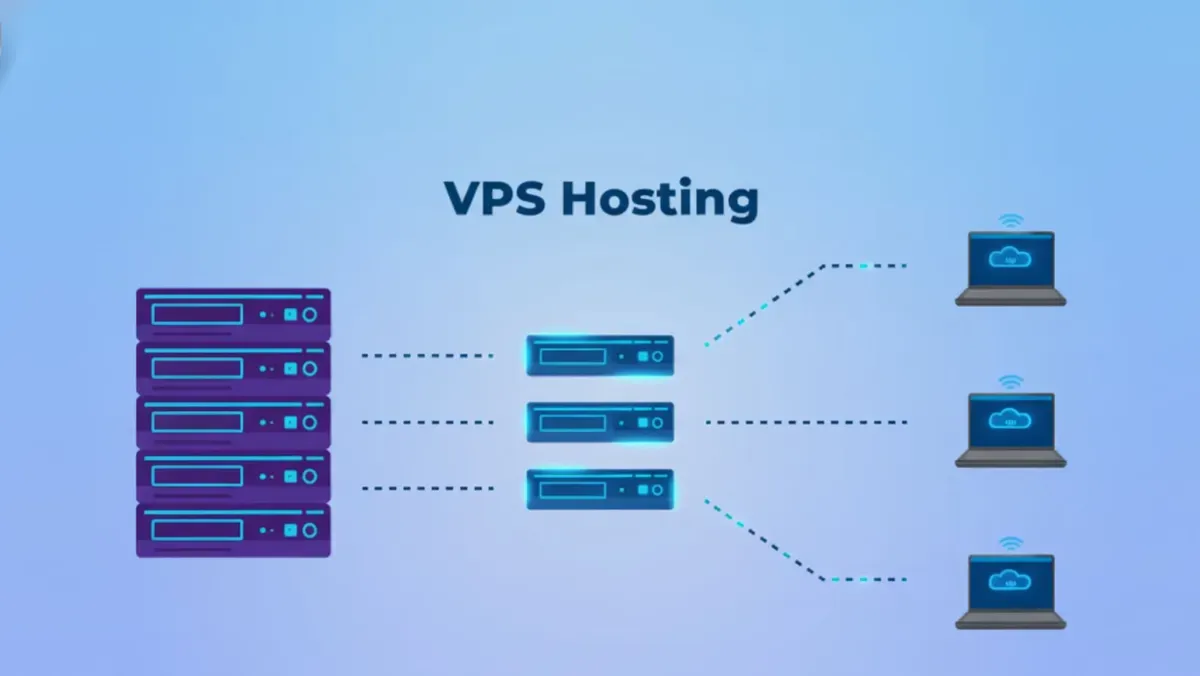
VPS technology divides one physical machine into multiple virtual environments, each operating independently with dedicated resources. This resembles townhouse living—shared property with individual structures and guaranteed resources.
Advantages:
Consistent performance with allocated resources
Greater control and customization capabilities
Easier scaling as demands increase
Better isolation from other users
Limitations:
Higher monthly costs than shared plans
Requires more technical knowledge for management
Resource limits still exist, though higher
Ideal users: Growing enterprises, popular content sites, and online stores outgrowing entry-level solutions.
Dedicated Machines: Maximum Control
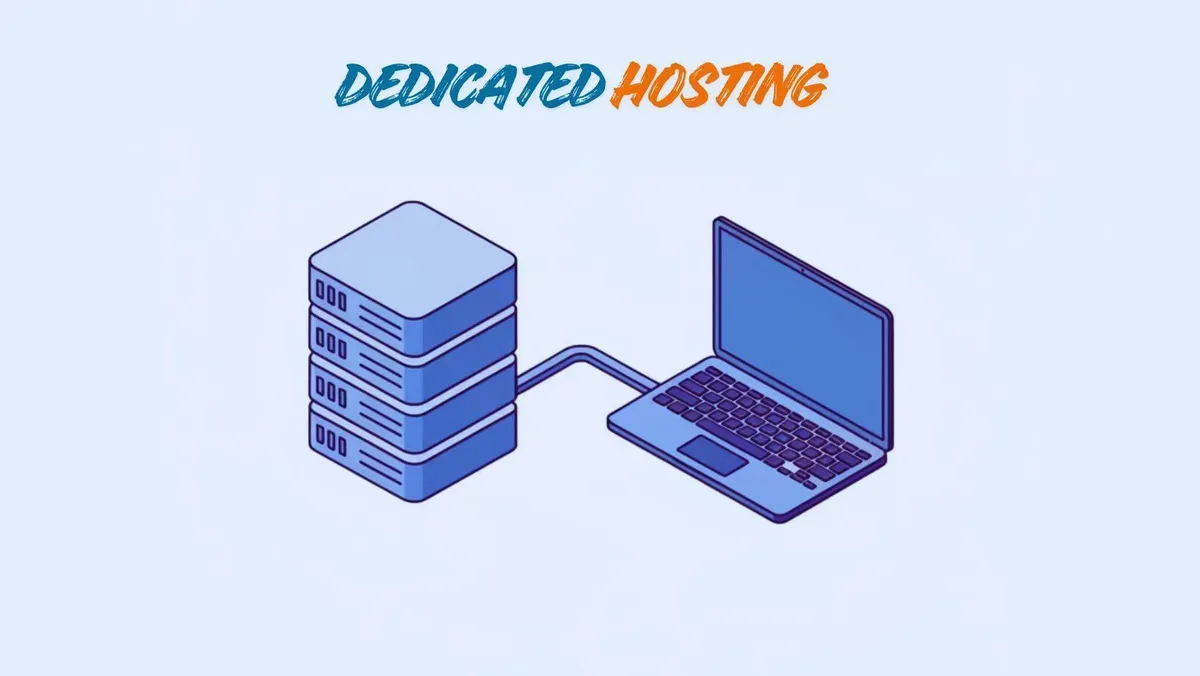
Renting an entire physical server provides exclusive access to all resources, comparable to owning a detached house with complete control over the property.
Advantages:
Unparalleled speed and reliability
Full administrative access for custom configurations
Highest security through complete isolation
No resource sharing or neighbor impact
Limitations:
Significant monthly investment required
Demands advanced technical expertise
Management responsibility falls entirely on you
Ideal users: Large e-commerce platforms, high-traffic publications, and organizations with specific compliance requirements.
Cloud Infrastructure: Modern Flexibility
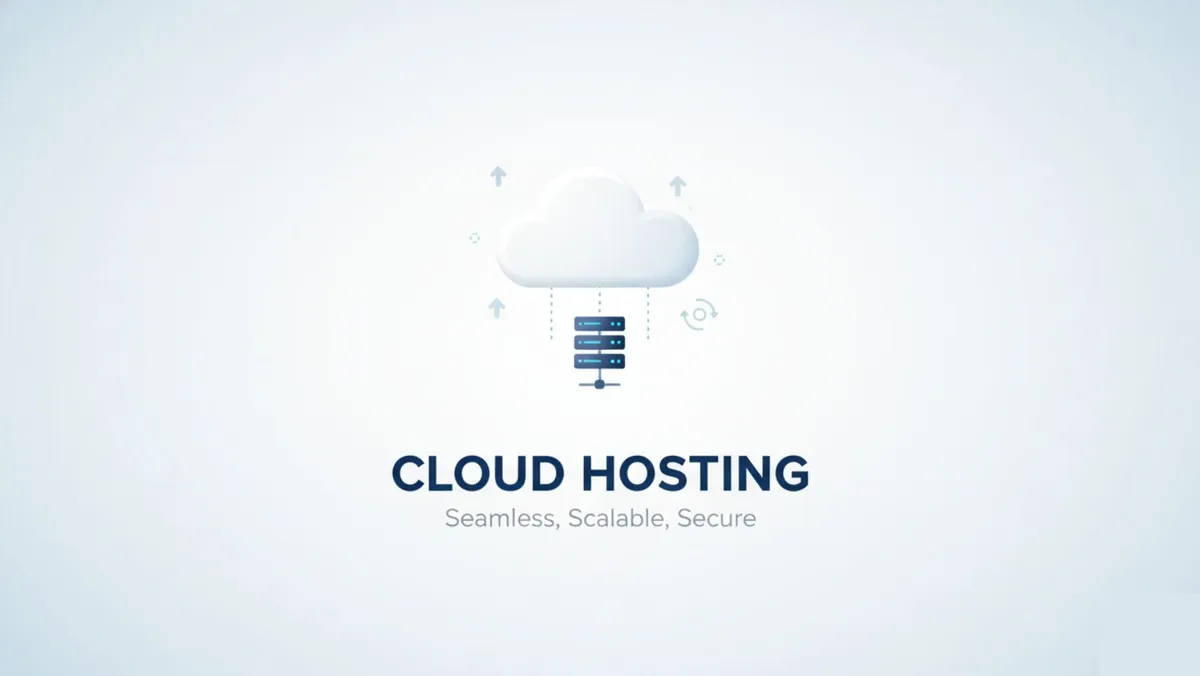
Cloud technology distributes your site across networks of connected servers rather than relying on a single machine. This architecture resembles a utility grid—if one power source fails, others seamlessly compensate.
Advantages:
Exceptional reliability through redundancy
Instant resource scaling during traffic fluctuations
Pay-as-you-go pricing models available
Geographic distribution improves global performance
Limitations:
Variable costs complicate budgeting
Setup complexity exceeds traditional options
Requires understanding of distributed systems
Ideal users: Businesses needing guaranteed uptime, scalable applications, and sites with unpredictable traffic patterns. learn more about Best Cloud Storage Solutions for Small Businesses
learn more complete comparison guide between shared vs VPS vs dedicated dosting
Managed WordPress Solutions: Specialized Service
Rather than a hosting type, this represents a specialized service optimized exclusively for WordPress installations. Providers handle technical management, updates, security, and performance tuning.
Advantages:
Superior speed through WordPress-specific optimization
Enhanced security targeting common vulnerabilities
Expert support from WordPress specialists
Automatic updates and maintenance
Limitations:
Premium pricing compared to standard options
Restricted to WordPress installations only
Possible plugin and theme limitations
Ideal users: WordPress site owners prioritizing performance and willing to invest in hassle-free management.
Explore more about WordPress hosting
learn more about Best Cloud Hosting for WordPress
Essential Selection Criteria
Evaluate potential providers using these ten critical factors to ensure your choice supports both current needs and future growth.
1. Performance Metrics
Fast loading times are non-negotiable in 2026. Seek providers offering:
SSD storage for rapid data access
Data centers near your target audience
Built-in caching systems
Content Delivery Networks (CDNs) for global reach
2. Uptime Commitments
Verify that providers guarantee at least 99.9% uptime. Request transparency about compensation if they fail to meet this standard. Review third-party monitoring reports when available.
3. Security Measures
Comprehensive security should include:
Free SSL certificates for encrypted connections
Active firewalls blocking malicious traffic
Regular malware scanning and removal
Automatic daily or weekly backups
4. Customer Support Quality
Support accessibility matters when problems arise. Evaluate:
Round-the-clock availability
Multiple contact channels (chat, phone, email)
Response time and expertise level
Self-help resources and documentation
5. Transparent Pricing
Introductory rates often differ dramatically from renewal costs. Calculate total expense over three years rather than focusing solely on first-year pricing. Watch for hidden fees in terms of service.
6. Growth Accommodation
Your platform should evolve with your business. Verify that upgrading between plans occurs smoothly without extended downtime. Understand migration processes and associated costs.
7. Management Interface
Control panels like cPanel or custom dashboards should streamline common tasks—creating email accounts, managing databases, installing applications. Test the interface before committing if possible.
8. Backup Policies
Data protection requires robust backup systems. Investigate:
Backup frequency (daily recommended)
Restoration procedures and timeframes
Included versus additional cost options
Self-service restoration capabilities
9. Resource Allocations
Understand storage and bandwidth limitations. "Unlimited" claims typically contain fair-use restrictions buried in terms of service. Clarify actual limits and overage policies.
10. Value-Added Features
Competitive providers differentiate through extras:
Complimentary domain registration
Professional email accounts at your domain
One-click application installers
Free migration assistance
Staging environments for testing
Technical Terms Explained
Navigate hosting discussions confidently by understanding these common concepts:
SSL Certificate: Digital credential enabling encrypted connections between servers and browsers, protecting data transmission and improving search rankings.
Content Delivery Network (CDN): Geographically distributed servers caching your content closer to users worldwide, dramatically reducing load times across regions.
Explore more about CDNs and performance
Bandwidth vs. Data Transfer: Bandwidth measures transfer rate capacity (highway width), while data transfer tracks total volume moved over time (total vehicles using the highway).
SSD vs. HDD Storage: Solid-State Drives use flash memory without moving parts, offering superior speed and reliability compared to traditional Hard Disk Drives with mechanical components.
Control Panel: Graphical interface simplifying server management tasks without requiring command-line knowledge. Popular options include cPanel, Plesk, and custom solutions.
Matching Solutions to Situations
Apply these guidelines to your specific circumstances:
Personal Projects: Quality shared plans provide sufficient resources for blogs, portfolios, and hobby sites while keeping costs minimal. Prioritize user-friendly management tools.
Small Business Sites: Start with premium shared options, planning to upgrade as traffic grows. Ensure your provider offers seamless migration to VPS solutions when needed.
Online Stores: Never compromise on e-commerce infrastructure. Begin with robust VPS or cloud solutions providing the scalability and reliability essential for handling transactions and seasonal traffic surges.
High-Volume Applications: Dedicated servers or enterprise cloud infrastructure deliver the performance necessary for thousands of simultaneous users, processing intensive applications, or streaming content.
Avoiding Common Pitfalls
Learn from others' mistakes to make smarter decisions:
Prioritizing Cost Over Value
The cheapest option frequently delivers poor performance, frequent outages, and inadequate support—ultimately costing more through lost opportunities and forced migrations.
Overlooking Renewal Rates
Promotional pricing expires. Calculate total three-year costs including renewals to understand true expenses and avoid budget surprises.
Ignoring Scalability
Selecting plans with no growth path creates painful, costly migrations later. Choose providers facilitating easy upgrades as your needs evolve.
Assuming Backup Protection
Verify specific backup procedures, frequencies, and restoration processes. Implement independent backup solutions for critical data whenever possible.
Believing "Unlimited" Claims
Fair-use policies always define practical limits on "unlimited" resources. Read terms of service carefully to understand actual constraints and acceptable use definitions.
Frequently Asked Questions
Can I switch providers later?
Yes, website migration is standard practice. Many companies offer free migration services, though preparing backups and minimizing downtime requires planning.
Must domain and server come from one company?
No, purchasing separately is common. Domain registrars like Namecheap pair with any provider. Beginners often prefer bundled convenience, while experienced users appreciate separation and flexibility.
What are one-click installers?
Control panel tools automating application installation—WordPress, Joomla, Drupal—without technical knowledge or manual configuration.
What should quality service cost?
Shared plans typically range $3-10 monthly after promotional periods. VPS solutions cost $20-80 monthly. Dedicated servers begin around $100 monthly. Prices vary significantly based on features and resource allocations.
Is free service viable?
Free options suit only temporary experiments or learning purposes. They typically include forced advertising, poor reliability, slow performance, and nonexistent support—unacceptable for serious projects.
Making Your Final Choice
Selecting the right provider represents a foundational business decision affecting speed, security, and overall success. No single "best" option exists—only the solution best matching your unique requirements.
Assess your current needs and future goals honestly. Compare options using the ten-point framework outlined above. Don't hesitate to invest appropriately in quality service—your online presence deserves a solid foundation.
With the right partner supporting your digital infrastructure, you'll be positioned to achieve your objectives throughout 2026 and beyond. Take time to research thoroughly, test support responsiveness, and choose confidently.
Frequently Asked Questions
Bandwidth and Storage Storage: This is the amount of space you have for your website's files. While many hosts offer "unlimited" storage, there are always fair use policies.
Never Miss an Update
Join thousands of readers getting the latest insights on technology, business, and digital marketing.