Best Productivity Apps for Remote Workers: The Ultimate 2026 Guide to Efficiency
Struggling to stay focused while working from home? As we approach 2026, the digital landscape is changing. We’ve curated the ultimate list of productivity apps designed to streamline your workflow, enhance team collaboration, and help you reclaim your time.
The transition to remote work has evolved from a temporary necessity to a permanent lifestyle for millions globally. As we look ahead to 2026 , the "work from home" (WFH) landscape is becoming more sophisticated. It is n...
Too long? Ask AI to summarize
Get a quick summary of this article using your favorite AI assistant

Introduction
The transition to remote work has evolved from a temporary necessity to a permanent lifestyle for millions globally. As we look ahead to 2026, the "work from home" (WFH) landscape is becoming more sophisticated. It is no longer just about having a laptop and an internet connection; it is about building a digital ecosystem that works for you, not against you.
In a traditional office, structure is imposed by the environment. In a remote setting, you must create that structure yourself. This is where the right software comes into play. Whether you are a freelancer, a digital nomad, or part of a distributed corporate team, the right stack of apps can mean the difference between burnout and breakthrough efficiency.
In this comprehensive guide, we will explore the best productivity apps across critical categories, helping you prepare for a highly efficient 2026.
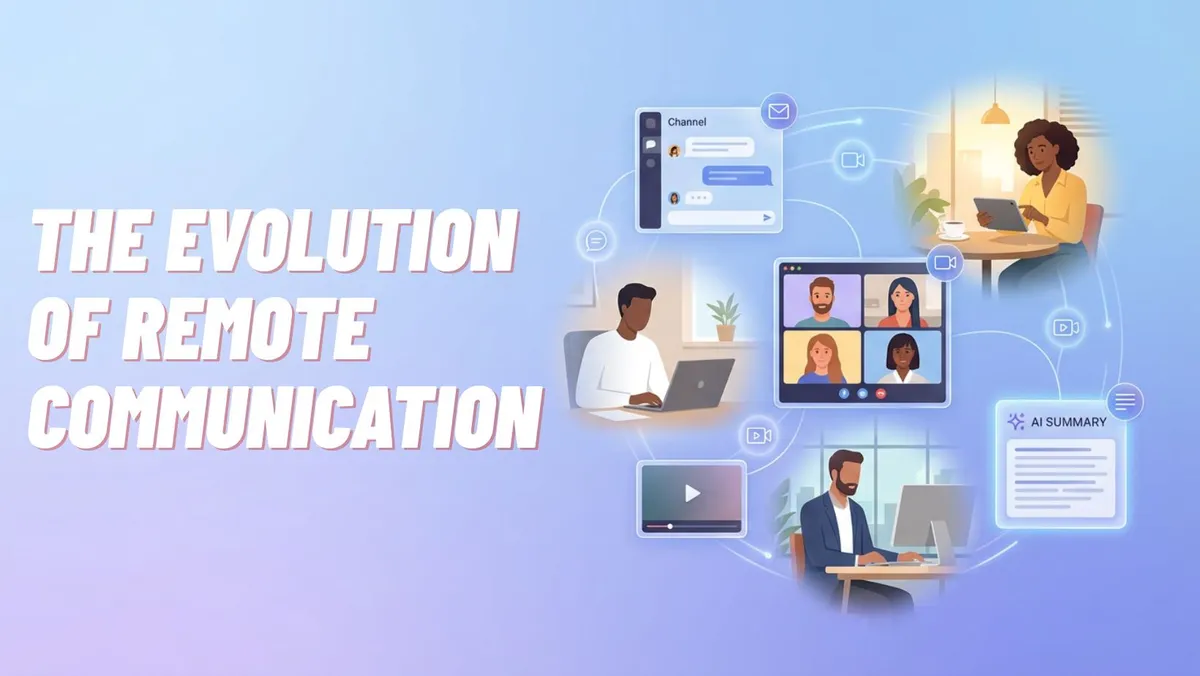
The Evolution of Remote Communication
Effective communication is the backbone of any remote setup. Without the ability to turn your chair and ask a colleague a question, you need digital substitutes that are fast, reliable, and organized.
Instant Messaging: Slack
Slack continues to dominate the remote workspace, and for good reason. It organizes conversations into channels (by topic, project, or team), which prevents important information from getting lost in email threads.
Why it works: It supports real-time chat but also allows for asynchronous updates.
Key Feature: The integration ecosystem. You can connect Google Calendar, Trello, and Zoom directly into Slack.
2026 Outlook: Look for more AI-driven summaries of missed messages to save time reading backlogs.
Video Conferencing: Zoom
While "Zoom fatigue" is a real phenomenon, reliable video conferencing is non-negotiable. It is the closest replacement for face-to-face interaction.
Best Use Case: Weekly team syncs, client presentations, and virtual "coffee breaks" to maintain team culture.
Pro Tip: Use the "suppress background noise" feature if you are working from a noisy cafe or home with family.
Asynchronous Video: Loom
Sometimes a meeting isn’t necessary. Loom allows you to record your screen and voice simultaneously to create a quick video tutorial or explanation.
Efficiency Boost: Instead of typing a 500-word email explaining a bug or a process, send a 2-minute video.
Learn More: For those interested in creating high-quality video content, check out our guide on Top Free Video Editing Software Compared.
Mastering Project Management
One of the biggest challenges in remote work is visibility. Who is working on what? When is it due? Project management tools answer these questions.
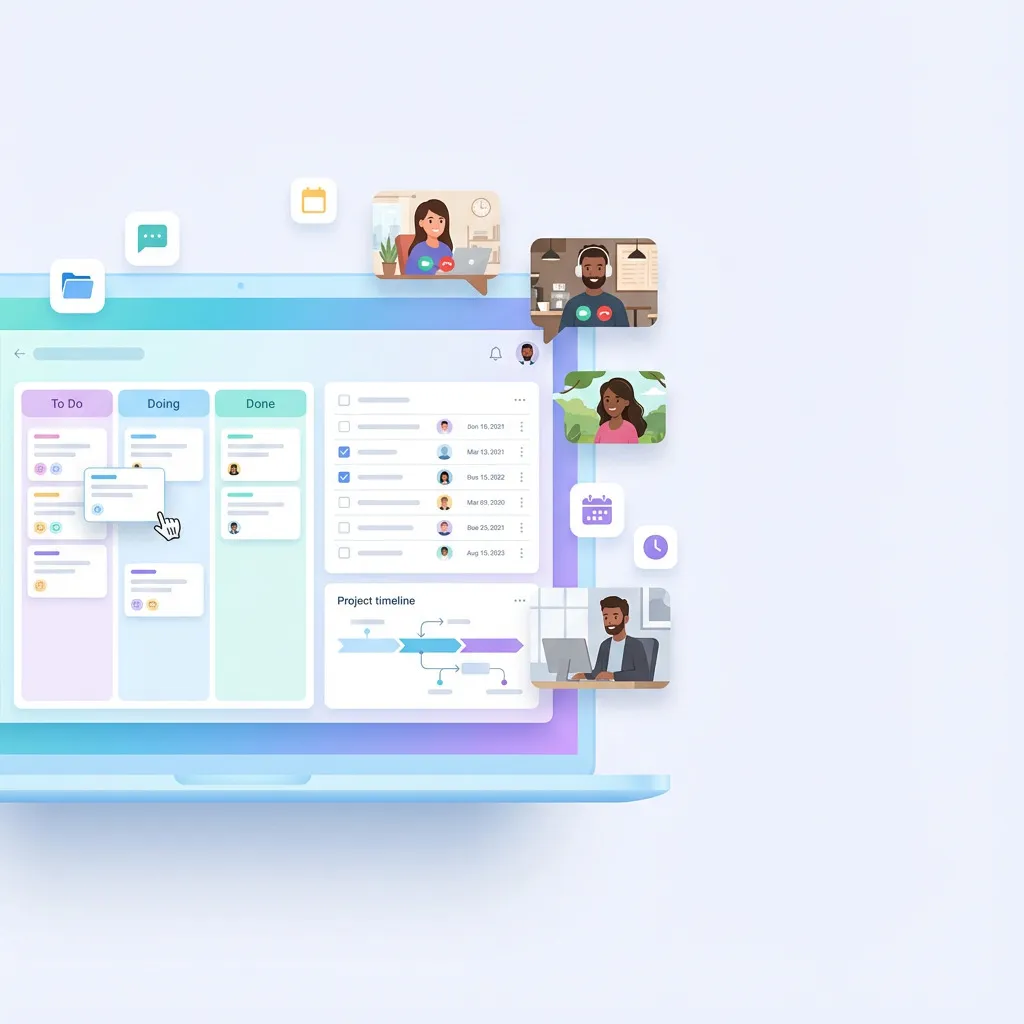
Trello (The Visual Kanban Board)
Trello is perfect for visual thinkers. It uses a board-and-card system based on the Kanban methodology (To Do, Doing, Done).
Simplicity: You can drag and drop cards as tasks progress.
Customization: Add labels, due dates, and checklists to every card.
Best For: Individual freelancers or small teams managing straightforward workflows.
Asana (Structured Task Lists)
If you need more detail than Trello offers, Asana provides robust list views, timelines, and project portfolios.
Accountability: Every task is assigned to a specific person with a hard deadline.
Workflow: It helps visualize dependencies (Task B cannot start until Task A is finished).
Deep Dive: To master these platforms, read our dedicated article on How to Use Project Management Tools Effectively.
Basecamp (The All-in-One Hub)
Basecamp takes a different approach by combining chat, files, to-do lists, and schedules into one single dashboard.
Philosophy: It promotes a calm workspace by reducing notifications and keeping everything in one place. You can read more about the philosophy of calm work on Basecamp's Official Blog.
Time Management and Focus
In a remote environment, the line between "work" and "life" blurs. Time management apps help you track your hours and ensure you are actually working when you say you are.
The Pomodoro Technique: Forest
Forest is a gamified timer app. When you want to focus, you plant a virtual tree. If you leave the app to scroll social media, your tree dies.
Psychology: It uses positive reinforcement to keep you off your phone.
Real World Impact: The team behind Forest partners with organizations to plant real trees based on user activity.
Time Tracking: Toggl Track
For freelancers who bill by the hour, or anyone curious about where their day goes, Toggl is essential.
Ease of Use: One-click time tracking.
Reporting: At the end of the week, view a pie chart of how much time you spent on "Admin" vs. "Deep Work."
2026 Trend: Expect more automated time tracking that uses AI to guess what project you are working on based on the active window.
Distraction Blocking: Freedom
If you lack willpower, Freedom is the ultimate enforcer. It blocks apps and websites across all your devices simultaneously.
Scheduled Blocks: You can set it to automatically block Twitter and Instagram from 9:00 AM to 12:00 PM every weekday.
Cloud Storage and Document Collaboration
Gone are the days of emailing files named "Final_Draft_V3_Real.docx". Cloud collaboration allows teams to edit documents simultaneously in real-time.
Google Workspace (formerly G Suite)
Google Docs, Sheets, and Slides remain the gold standard for collaborative editing.
Live Commenting: You can tag colleagues in comments to ask questions directly within the document.
Version History: Made a mistake? You can revert a document to how it looked an hour ago (or a month ago).
Dropbox
For creative professionals handling large files (video, high-res audio, raw photography), Dropbox offers superior syncing speeds and file management.
Smart Sync: See all your files on your desktop without them taking up hard drive space until you open them.
Transfer: Securely send large files to clients even if they don’t have a Dropbox account.
Learn More: Understanding file compression is key here. You can explore file management techniques on tech education sites.
Note-Taking and Knowledge Management
Remote workers need a "second brain" to store ideas, meeting notes, and processes.
Notion
Notion is arguably the most popular tool leading into 2026. It is a hybrid of a database, a notepad, and a project board.
Flexibility: You can build a company wiki, a personal habit tracker, or a CRM system all inside one page.
Collaboration: Teams use Notion to document Standard Operating Procedures (SOPs), ensuring everyone follows the same rules.
Evernote
The veteran of note-taking apps. While simpler than Notion, its web clipper and search functionality (which can read text inside images) are unmatched.
Capture Everything: Great for quickly saving receipts, articles, and voice memos on the go.
Security and Password Management
Security is often overlooked by remote workers, but it is vital. Working from coffee shops or using personal devices can expose you to risks.
LastPass / 1Password
Never reuse passwords. These tools generate complex, encrypted passwords for every site you use and store them securely.
Team Sharing: Securely share login credentials with a virtual assistant without revealing the actual password.
Cross-Platform: Access your vaults on your phone, tablet, and laptop seamlessly.
VPN (Virtual Private Network)
A VPN encrypts your internet connection. This is crucial if you work from public Wi-Fi in airports or cafes.
Privacy: It prevents hackers on the same network from intercepting your data.
Global Access: Helps in testing how your content looks in different regions.
Comparison of Top Productivity Suites
To help you decide, here is a quick comparison of the "All-in-One" workspace contenders for 2026.
Feature | Google Workspace | Microsoft 365 | Notion |
|---|---|---|---|
Primary Use | Documents & Email | Enterprise Corporate | Knowledge Base & Wikis |
Collaboration | Real-time, Excellent | Good, Enterprise focused | Good, asynchronous |
Learning Curve | Very Low | Medium | High (but powerful) |
Cost | Moderate | Moderate | Freemium available |
Best For | Startups & Agile Teams | Large Corporations | Creatives & Organizers |
Emerging Trends for 2026
As we move deeper into the decade, productivity apps are changing. Here is what to watch for:
AI Integration Everywhere: By 2026, almost every app listed above will have an AI assistant (like "Copilot") to draft text, summarize meetings, or organize tasks automatically.
Wellness Features: Apps will increasingly prompt you to take breaks, drink water, or stretch, acknowledging that physical health drives digital productivity.
VR/AR Workspaces: With headsets becoming lighter, "virtual offices" where you sit next to a hologram of your coworker are moving from sci-fi to reality.
Common Mistakes Remote Workers Make with Apps
Even with the best tools, bad habits can ruin productivity. Avoid these pitfalls:
App Overload (Shiny Object Syndrome): constantly switching to the "newest" app kills productivity. Pick a tool and stick with it for at least 6 months.
Not Turning Off Notifications: If Slack pings you every 2 minutes, you cannot do deep work. Configure your "Do Not Disturb" schedules.
Using Tools for the Wrong Purpose: Don't use email for urgent chat (use Slack), and don't use Slack for long-term agreements (use email or Docs).
Ignoring Security Updates: Always update your apps. Old versions have security holes that hackers exploit.
Failing to Sync: Working offline is great, but failing to sync your work back to the cloud can lead to data loss if your hardware fails.
Frequently Asked Questions
1. Do I need to pay for all these apps?
No. Most apps listed (Slack, Trello, Zoom, Notion) have generous "Freemium" tiers that are perfectly sufficient for individual freelancers or very small teams.
2. Which app is best for a beginner remote worker?
Start with Trello for organizing your tasks and Google Workspace for your documents. They are intuitive and require very little setup time.
3. How do I keep my data safe while using these apps?
Enable Two-Factor Authentication (2FA) on every single account. This is the single most effective step you can take to secure your digital life.
4. Can these apps work offline?
Many, like Google Docs and Trello, have offline modes, but they function best with an internet connection. Always check the specific settings of the app to enable offline access.
5. Is it better to use one "All-in-One" app or many specialized apps?
This depends on your workflow. "All-in-One" apps (like Notion) reduce context switching, but specialized apps (like Toggl) usually offer deeper, more professional features for their specific task.
Conclusion
Navigating the world of remote work requires a deliberate approach to your digital toolkit. The apps mentioned above are not just software; they are the infrastructure of your professional life. As we approach 2026, the focus is shifting from simply "getting online" to maximizing efficiency, securing data, and maintaining a healthy work-life balance.
By selecting the right combination of communication, management, and focus tools, you can create a remote work environment that is sustainable, productive, and enjoyable. Remember, the goal is not to use more apps, but to use the right apps to free up your time for what truly matters.
Share this article
Frequently Asked Questions
Enable Two-Factor Authentication (2FA) on every single account. This is the single most effective step you can take to secure your digital life.
Never Miss an Update
Join thousands of readers getting the latest insights on technology, business, and digital marketing.
Related Articles
Too long? Ask AI to summarize

