ChatGPT and Claude Together: The Ultimate AI Workflow Guide for 2025
Stop choosing between ChatGPT and Claude. Learn how both AI tools strategically to achieve 10x better results with proven workflows and real examples.
Minhaj Sadik

Quick Answer: Using ChatGPT and Claude together strategically can boost your productivity by 40-60%. ChatGPT excels at brainstorming, image generation, and web research. Claude shines at long-form writing, complex coding...
Too long? Ask AI to summarize
Get a quick summary of this article using your favorite AI assistant
ChatGPT and Claude Together: The Ultimate AI Workflow Guide for 2025
Quick Answer: Using ChatGPT and Claude together strategically can boost your productivity by 40-60%. ChatGPT excels at brainstorming, image generation, and web research. Claude shines at long-form writing, complex coding, and deep analysis. Power users assign tasks to the right AI instead of using one tool for everything.
The debate is everywhere: ChatGPT or Claude? Which AI assistant is better?
But here's what the most productive people have figured out—it's the wrong question entirely.
The real power users aren't picking sides. They're using both AI tools together, strategically assigning different tasks to each model based on their unique strengths. And the results speak for themselves: professionals report saving 10+ hours per week by mastering this dual-AI approach.
I've spent hundreds of hours testing ChatGPT and Claude across writing, coding, research, and business tasks. What I discovered changed how I work with AI forever. In this guide, I'll share exactly how to combine these two powerful AI assistants to achieve results neither can deliver alone.
Why Using Multiple AI Tools Makes Sense
Before diving into specific workflows, let's address the obvious question: why bother with two AI subscriptions when one seems sufficient?
The answer lies in specialization. ChatGPT and Claude were built by different companies with different priorities:
OpenAI built ChatGPT to be a versatile, all-in-one AI toolkit. It can generate images, browse the web, run code, create custom GPTs, and integrate with thousands of apps. Think of it as a Swiss Army knife—good at many things, optimized for flexibility.
Anthropic built Claude with a focus on safety, deep reasoning, and sophisticated text work. Claude handles longer contexts, writes more naturally, and excels at nuanced analysis. Think of it as a specialized precision tool—exceptional at specific tasks.
When you understand these fundamental differences, the strategy becomes clear: use each tool for what it does best.
Research supports this approach. A Stanford study on productivity found that workers who frequently switch between similar tasks experience cognitive fatigue. But workers who use different tools for different task types actually perform better—the mental shift helps maintain focus and quality.
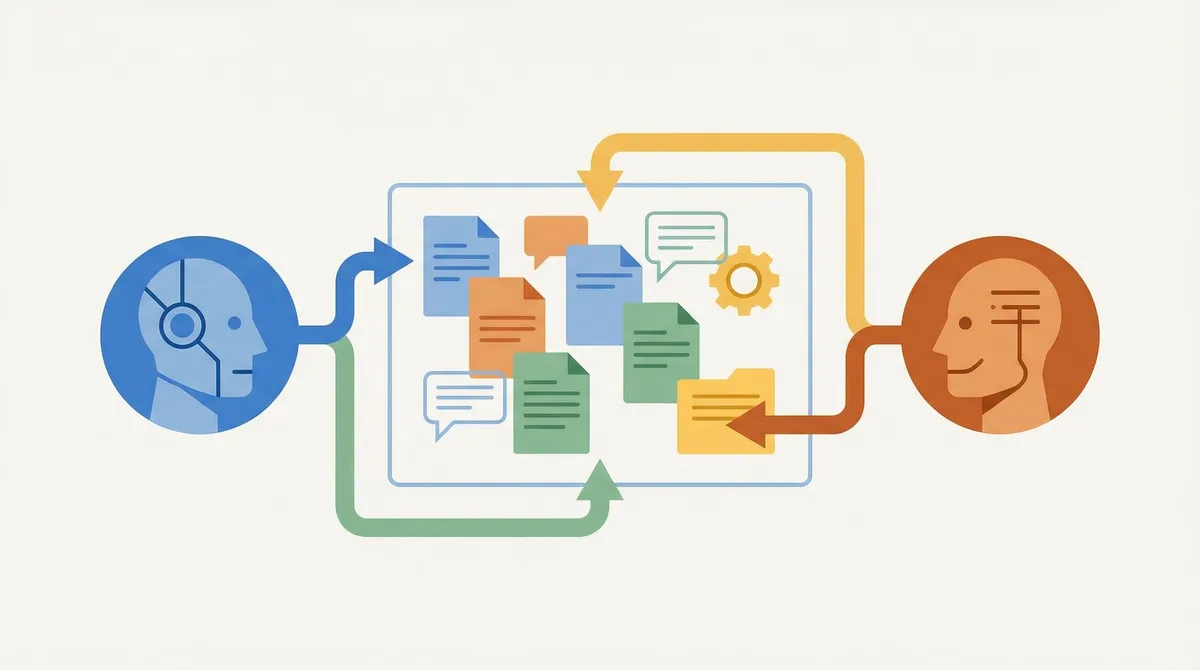
ChatGPT's Unique Strengths: When to Use It First
ChatGPT has capabilities that Claude simply doesn't match. Here's where ChatGPT should be your first choice:
Image Generation with DALL-E
ChatGPT's integration with DALL-E 3 gives it a massive advantage for visual content. Need a blog header image? Social media graphics? Product mockups? ChatGPT handles these directly within your conversation.
Claude cannot generate images at all. If your workflow involves any visual creation, ChatGPT is essential.
Real-Time Web Browsing
ChatGPT can search the internet and pull current information directly into your conversation. This is invaluable for research on recent events, current prices, live statistics, or trending topics.
While Claude recently added web search capabilities, ChatGPT's implementation is more mature and seamlessly integrated. For research-heavy tasks requiring current data, start with ChatGPT.
Custom GPTs and App Integrations
The GPT Store offers thousands of specialized AI assistants built on ChatGPT. Whether you need a resume reviewer, coding tutor, or marketing strategist, there's likely a custom GPT designed for that specific use case.
ChatGPT also integrates with more third-party tools through plugins and Zapier connections. If your workflow involves moving data between apps, ChatGPT's ecosystem is more developed.
Quick Brainstorming and Ideation
For rapid-fire brainstorming sessions where you need many ideas quickly, ChatGPT's speed and versatility shine. It's excellent at generating lists, exploring angles, and helping you think through possibilities before committing to a direction.
Voice Conversations
ChatGPT's voice mode is more natural and responsive than alternatives. If you prefer talking to your AI assistant while driving, walking, or multitasking, ChatGPT delivers a better voice experience.
Claude's Unique Strengths: When to Switch
Claude excels in areas where ChatGPT struggles. Here's when to bring Claude into your workflow:
Long-Form Writing That Sounds Human
This is Claude's superpower. When tested side-by-side, Claude consistently produces writing that sounds more natural, less robotic, and more like something a human expert would write.
The difference is particularly noticeable in:
Blog posts and articles
Email campaigns
Reports and documentation
Creative writing
Professional communications
If the writing quality matters—if you're not going to heavily edit the output—start with Claude.
Complex Coding Projects
Claude was designed with developers in mind. Its understanding of code context, ability to maintain consistency across large codebases, and skill at explaining its reasoning make it superior for serious development work.
Claude handles code refactoring, debugging complex issues, and implementing multi-file features better than ChatGPT in most comparisons. Professional developers increasingly choose Claude for their primary coding assistant.
Document Analysis and Long Contexts
Claude's context window is significantly larger than ChatGPT's standard offering. This means Claude can analyze entire documents, lengthy contracts, or extensive codebases while maintaining coherent understanding.
When you need to upload a 50-page report and ask detailed questions about it, Claude performs better. The same applies to analyzing multiple files together or maintaining context across long, complex conversations.
Nuanced Reasoning and Analysis
For tasks requiring careful, step-by-step thinking—legal analysis, ethical discussions, strategic planning, or weighing complex tradeoffs—Claude's reasoning tends to be more thorough and nuanced.
Claude is also better at acknowledging uncertainty and avoiding confident-sounding but incorrect answers. For high-stakes analysis where accuracy matters, Claude is the safer choice.
Clean, Well-Structured Outputs
Claude naturally produces better-organized outputs with logical structure. Its markdown formatting, heading hierarchy, and overall document structure require less cleanup than ChatGPT's responses.
The Power User Workflow: Combining Both AI Tools
Now let's get practical. Here are proven workflows that combine ChatGPT and Claude for maximum results:
Workflow 1: Content Creation Pipeline
This workflow optimizes the entire process from idea to published content:
Step 1: Research and Ideation (ChatGPT)
Start with ChatGPT for initial research. Use its web browsing to find current trends, statistics, and competitor content. Ask it to generate 20-30 potential angles for your topic.
Prompt example: "Search for the latest trends in [your topic]. What are people asking about? What angles haven't been covered well? Give me 25 potential blog post ideas with search intent for each."
Step 2: Outline and Structure (ChatGPT)
Once you've chosen a direction, use ChatGPT to create a detailed outline. It's quick at generating structural frameworks that you can refine.
Prompt example: "Create a detailed outline for an article about [chosen topic]. Include H2 and H3 headings, key points for each section, and questions to answer. Target 2500 words."
Step 3: Draft Writing (Claude)
Switch to Claude for the actual writing. Feed it your outline and let it draft each section. Claude's natural writing style means less editing later.
Prompt example: "Here's my article outline: [paste outline]. Write the full article in a conversational but professional tone. Include specific examples and actionable advice. Make it sound like an experienced professional wrote it, not an AI."
Step 4: Enhancement and Optimization (ChatGPT)
Return to ChatGPT to add finishing touches. Use it to generate social media posts, create meta descriptions, suggest internal links, and optimize for SEO.
Prompt example: "Here's my article: [paste draft]. Generate 5 social media posts for Twitter/X, a meta description under 155 characters, and suggest 3 places to add internal links."
Step 5: Image Creation (ChatGPT)
Finally, use ChatGPT with DALL-E to create featured images, infographics, or social media visuals for your content.
Workflow 2: Coding Project Development
This workflow combines both AIs for efficient software development:
Step 1: Project Planning (ChatGPT)
Use ChatGPT to brainstorm architecture, discuss technology choices, and create initial project structure. Its breadth of knowledge helps explore options quickly.
Prompt example: "I want to build [project description]. What tech stack would you recommend? What are the main components I'll need? Create a basic project structure with folders and initial files."
Step 2: Implementation (Claude)
Switch to Claude for writing actual code. Create a project context file (claude.md) explaining your project standards, then give Claude high-level tasks.
Prompt example: "Here's my project context: [paste context]. Implement the user authentication system with login, registration, and password reset. Include proper error handling and follow the patterns established in the project."
Step 3: Debugging and Optimization (Claude)
When issues arise, Claude's deep reasoning helps identify root causes. Its larger context window lets you share multiple related files for debugging.
Step 4: Documentation (Claude)
Claude writes cleaner documentation. Use it for README files, API documentation, and code comments.
Step 5: Testing and Edge Cases (ChatGPT)
ChatGPT is excellent at brainstorming edge cases you might have missed and generating test scenarios.
Workflow 3: Business and Professional Tasks
For emails, reports, and business communications:
Step 1: Quick Responses and Short Communications (ChatGPT)
For routine emails, quick replies, and short messages, ChatGPT's speed wins. It handles high-volume, low-complexity communications efficiently.
Step 2: Important Communications (Claude)
For messages that matter—client proposals, executive summaries, sensitive communications—use Claude. The quality difference is worth the extra step.
Step 3: Research and Data Gathering (ChatGPT)
When preparing reports or presentations, use ChatGPT to gather information, find statistics, and explore topics.
Step 4: Analysis and Recommendations (Claude)
For strategic analysis, weighing options, and developing recommendations, Claude's nuanced reasoning produces more thoughtful outputs.
Step 5: Visual Presentations (ChatGPT)
Need charts, diagrams, or presentation visuals? ChatGPT's image generation helps create supporting graphics.
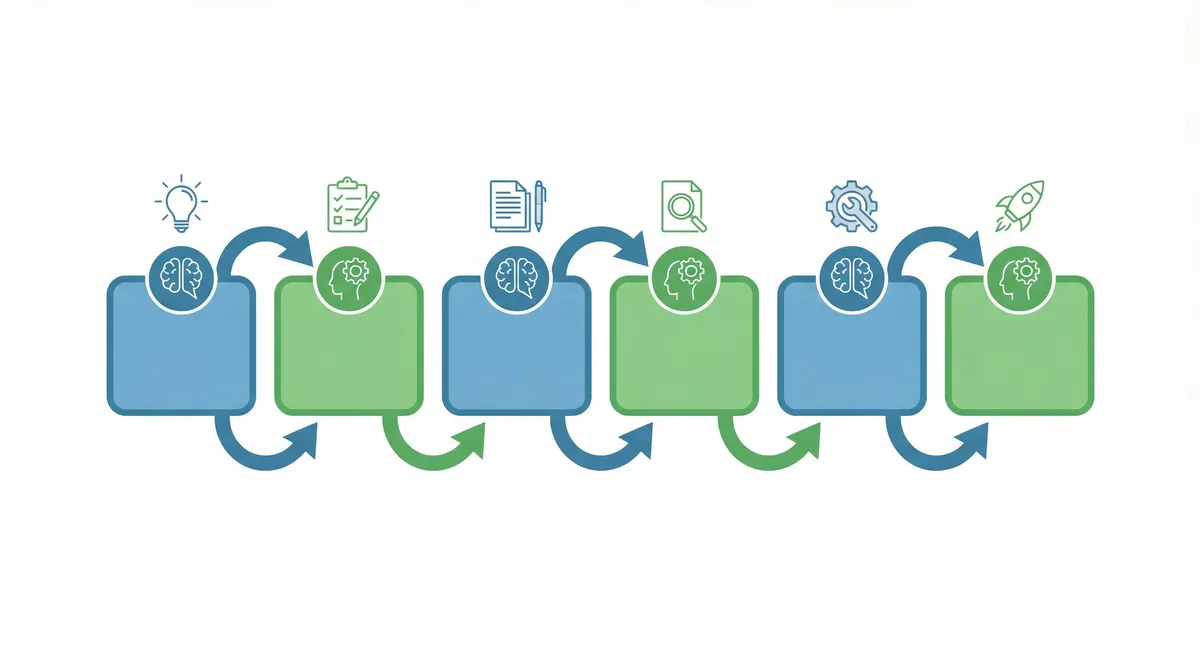
Task Assignment Quick Reference
Here's a quick reference for assigning tasks to the right AI:
Always Use ChatGPT For:
Image generation (DALL-E)
Current events and web research
Quick brainstorming sessions
Custom GPT specialized tasks
Voice conversations
Multi-app integrations
Social media content adaptation
Rapid ideation and exploration
Always Use Claude For:
Long-form writing
Complex coding projects
Document analysis (PDFs, contracts, reports)
Nuanced reasoning and analysis
Clean, professional writing
Code refactoring
Technical documentation
Sensitive communications
Use Either (Based on Preference):
General Q&A
Simple coding tasks
Standard emails
Basic research
Translation
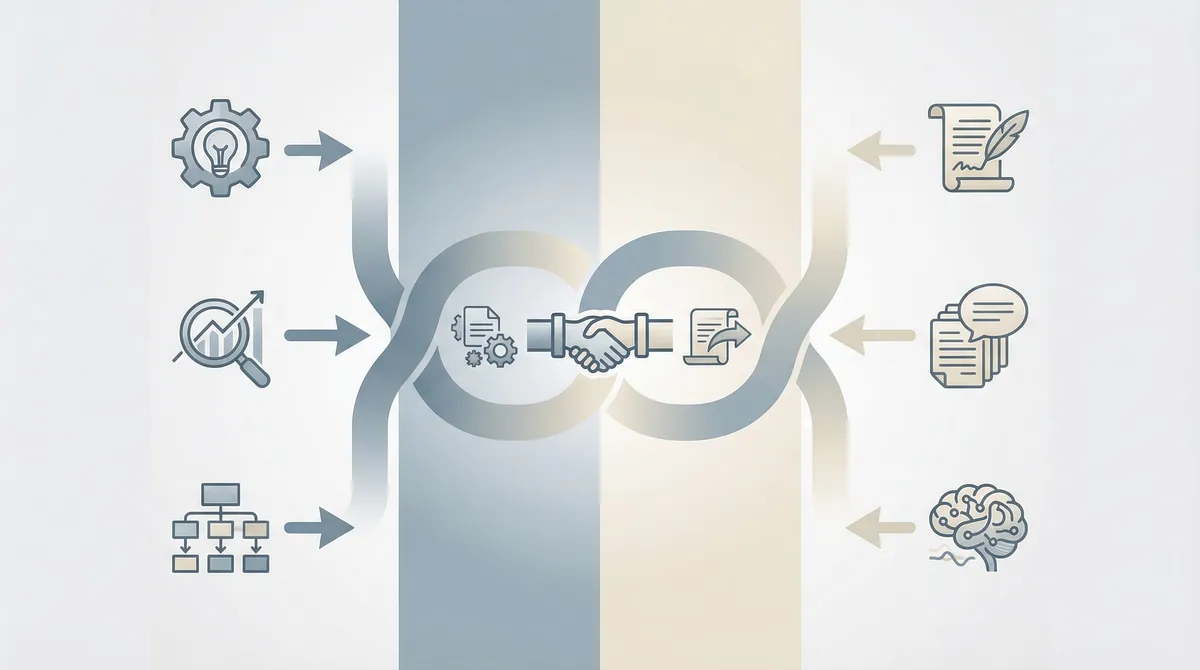
Tools for Managing Multiple AI Workflows
Working with multiple AI tools can get messy. Here are strategies to stay organized:
Tab Management
The simplest approach: keep ChatGPT and Claude open in separate browser tabs. Name your conversations clearly so you can find them later.
All-in-One Platforms
Several platforms let you access multiple AI models from one interface. These can streamline switching between models and comparing outputs.
Project Documentation
For complex projects, maintain a simple document tracking which AI you used for what. This helps when you need to return to a project or replicate your process.
Prompt Libraries
Build a personal library of prompts that work well with each AI. Note which prompts work better with ChatGPT versus Claude—they respond differently to the same instructions.
Cost Analysis: Is Paying for Both Worth It?
Let's break down the math:
ChatGPT Plus: $20/month Claude Pro: $20/month Combined Cost: $40/month
If this dual subscription saves you just 2 hours per month (a very conservative estimate), you're paying $20/hour for that time back. Most professionals bill significantly more than this.
Heavy AI users report saving 10-15 hours monthly with the dual approach. At that level, the combined subscription delivers exceptional value.
For lighter users, consider keeping one paid subscription and using the other's free tier for occasional tasks. Claude's free tier is quite generous for casual use.
5 Common Mistakes to Avoid
Mistake 1: Using One AI for Everything
The biggest mistake is forcing one tool to do everything. You'll get mediocre results on tasks where that AI is weak. Match the task to the tool's strengths.
Mistake 2: Not Providing Enough Context
Both AIs perform dramatically better with context. Don't just say "write an email"—explain who it's for, what tone you want, what outcome you're seeking.
Mistake 3: Ignoring Output Quality for Speed
ChatGPT is faster, but faster isn't always better. For important outputs, the extra time with Claude pays off in quality.
Mistake 4: Forgetting to Verify Important Information
Both AIs can confidently state incorrect information. For facts, statistics, or anything you'll rely on, verify independently—especially with ChatGPT's web results.
Mistake 5: Not Learning Each AI's Quirks
Claude responds well to XML-style formatting in prompts. ChatGPT works better with conversational instructions. Learn what makes each AI perform best.

Frequently Asked Questions
Can I use ChatGPT and Claude together?
Yes, and doing so strategically is exactly what power users do. Each AI has distinct strengths. ChatGPT excels at brainstorming, image generation, and quick research. Claude is better for long-form writing, complex coding, and deep analysis. Using both lets you optimize each task.
Which is better for writing, ChatGPT or Claude?
Claude generally produces more natural, human-like writing with better flow. ChatGPT is faster for quick drafts and varied formats. Many power users draft important content with Claude, then use ChatGPT to adapt it for different platforms.
Is it worth paying for both ChatGPT Plus and Claude Pro?
For heavy AI users, the combined $40/month often delivers more value than one subscription. You're not paying for two similar tools—you're paying for complementary capabilities. If AI saves you even 2 hours monthly, the investment pays for itself.
What tasks should I use ChatGPT for instead of Claude?
Use ChatGPT for image generation, web browsing for current information, quick brainstorming, custom GPTs, voice conversations, and tasks requiring many integrations. ChatGPT's broader feature set makes it ideal for versatile, quick tasks.
How do power users combine ChatGPT and Claude?
Power users typically follow a pattern: ChatGPT for research and brainstorming, Claude for implementation and detailed writing, then ChatGPT again for optimization and adaptation. The exact workflow varies by task type, but the principle is consistent—use each AI for what it does best.
Conclusion: Your Action Plan
The ChatGPT versus Claude debate misses the point. Both are remarkable tools with distinct strengths. The smartest approach isn't choosing one—it's combining both strategically.
Start by identifying your most common AI tasks. Map each task to the AI that handles it best using the guidelines in this article. You'll likely find that some tasks you've been struggling with simply need the other AI.
Then build your workflow. Whether you're creating content, writing code, or handling business communications, there's a dual-AI approach that will dramatically improve your results.
The future of AI productivity isn't about finding the perfect single tool. It's about orchestrating multiple AI tools into a workflow that amplifies your capabilities. Start combining ChatGPT and Claude today, and you'll wonder why you ever tried to choose between them.
Found this guide helpful? Bookmark searchdrive.io for more AI productivity guides and tool comparisons that help you work smarter.
Frequently Asked Questions
Claude generally produces more natural, human-like writing with better flow. ChatGPT is faster for quick drafts and varied formats.
Never Miss an Update
Join thousands of readers getting the latest insights on technology, business, and digital marketing.